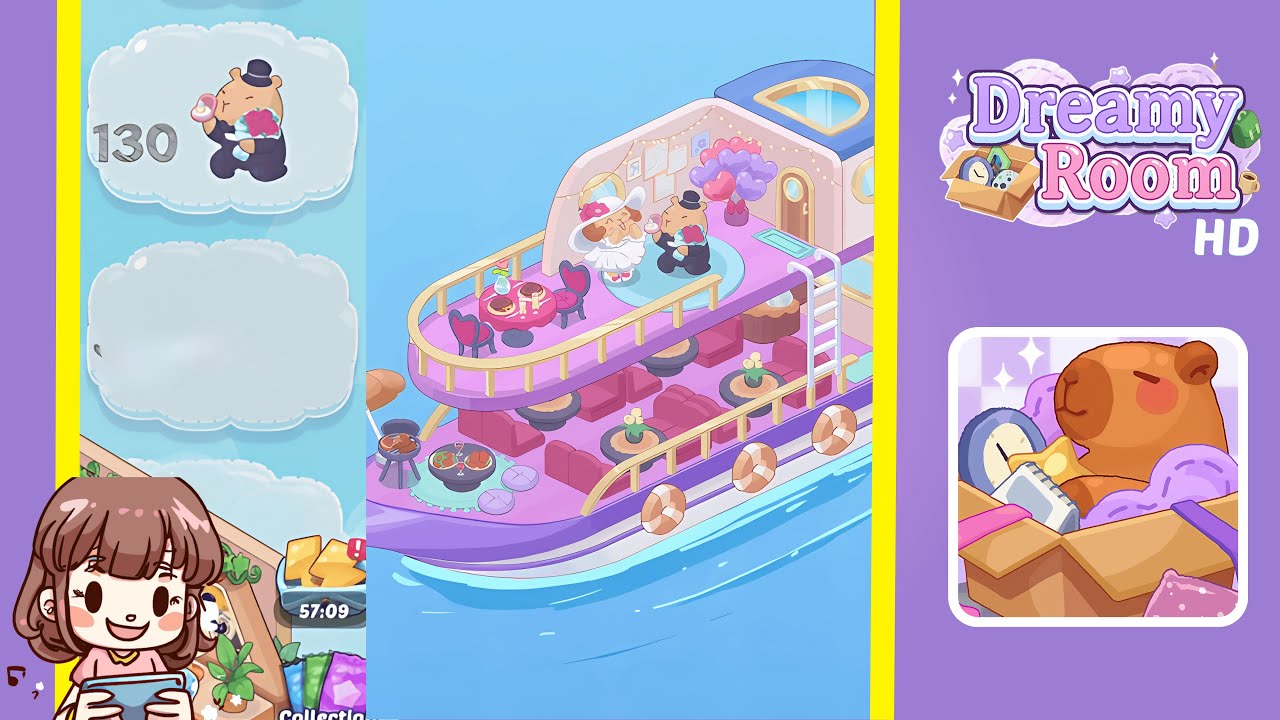
Dreamy Room Level 130 Walkthrough & Guide
Welcome to Dreamy Room Level 130, where you will craft intimate spaces through mindful placement of charming objects. This guide provides a detailed step-by-step walkthrough to achieve the serene springtime atmosphere by decorating with cherry blossom trees, picnic elements, and more.
Step-by-Step Guide
- Place the Cherry Blossom Trees around the Platform Edge. Begin by opening your item inventory and selecting the pastel pink cherry blossom tree asset. Position one tree on the outer curve of the top tier, rotating each one so its trunk sits just inside the grass border. Continue placing trees evenly around the upper rim until six or seven are arranged in a gentle circle. Adjust each tree’s angle by 15-degree increments to create a natural-looking canopy.
- Place the Orange Camping Tent on the Upper Tier. After positioning the trees, select the tent asset from your decoration palette and drag it to the center of the top grassy platform. Nudge the tent slightly toward the back of the upper tier so the open flap faces forward. Rotate the tent in small increments until it aligns with the grass edge and lock it in place.
- Arrange the Picnic Table, Chairs, and Bear Characters with Snacks. Find the wooden picnic table and two matching chairs in your inventory panel. Position the table in front of the tent and align each chair on either side. Place a bear character on each chair, ensuring they face inward. Add a plate of pastries and drink glasses onto the table surface.
- Position the Wooden Grill, Skewers, Beverage Crates, and Slippers. Place the compact wooden grill to the right of the tent. Rotate it by about 10° so the skewers are visible. Position the wooden crate with drink bottles near the grill and place the pastel slippers near the tent's entrance.
- Add the Floral Wreath Arch and Flower Border. Place the floral wreath arch on the left side of the top tier, slightly overlapping the grassy edge. Lay the leafy flower border asset in front of the arch, ensuring even spacing.
- Place the Low Wooden Platform with Radio, Watermelon, Apple Basket, and Open Book. Position the low wooden platform on the bottom grassy level with a slight tilt. Arrange the radio, watermelon slice, basket of apples, and open book on the platform.
- Construct the Lily Pond with Stone Border and Lotus Blossoms. Place the stone-edged lily pond on the bottom tier, aligning it with the platform's curve. Scatter lotus blossoms on the water surface, rotating each slightly.
- Add the Balloon Stand for a Festive Touch. Position the pastel balloon stand on the border between the top and bottom tiers, adjusting it so the balloons hover above the grass. Rotate the pole toward the tent.
- Position the Ice Cream Truck and Bench with Squirrel Characters. Place the ice cream truck on the right side of the top tier. Align the service window toward the picnic area. Position a bench on the lower tier and seat two squirrel characters on it.
- Add the Two Bunny Friends Near the Center. Place the bunny friends in front of the floral border and balloon stand, rotating them slightly to face forward.
Notes & Precautions
- Ensure precise placements to avoid item overlap. Zoom in to inspect potential collisions.
- Adjust rotation increments and grid-snapping settings for fine alignment.
- Avoid dragging decorations too close to platform edges to prevent clipping.
- Lock each element after placement to prevent accidental shifts. Use the undo function sparingly.
Tips & Tricks
- Execute tree and tent placements before adding characters and props to prevent obstruction.
- Disable snap-to-grid for aligning round or irregular assets for micro-adjustments.
- Organize similar items into custom inventory folders to reduce scrolling time.
- Master rotation shortcuts to save time and consider saving a preview snapshot for layout comparison.