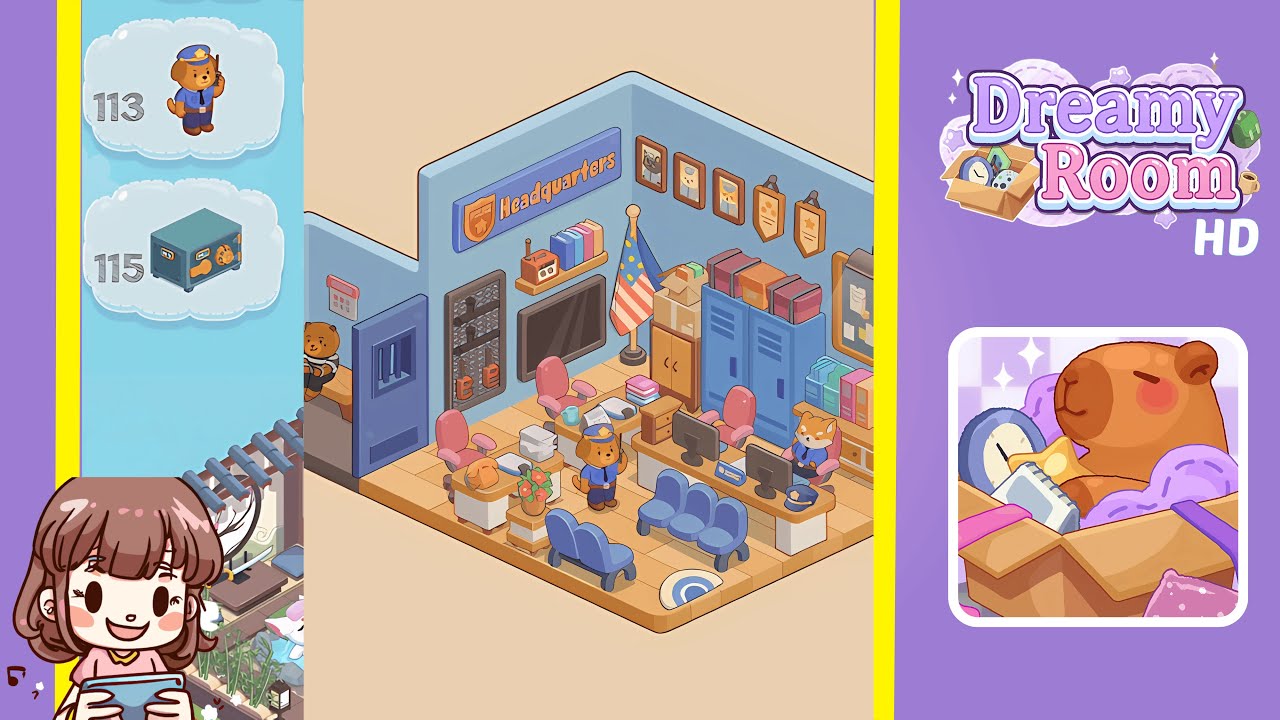
Dreamy Room Level 111 Walkthrough & Guide
Welcome to the comprehensive walkthrough for Dreamy Room Level 111! In this level, you'll transform an empty isometric room into a bustling factory loft by identifying the precise grid coordinates for every decorative and functional object, from the sliding door to the glass control booth. This guide provides step-by-step placements to complete the vibrant scene, helping you confidently place every object and overcome the placement puzzle.
Step-by-Step Guide
- Place the Sliding Door: Begin with the sliding door on the left wall of the room. Click the sliding door icon in the toolbar, drag it toward the left-hand wall panel, and align it precisely. Wait for the outline to glow before clicking to ensure correct placement.
- Place the Elevated Walkway and Conveyor Crates: Assemble the central elevated walkway along the back wall. Connect platform segments, then position sky-blue shipping crates onto the walkway at even intervals to prepare for future animations.
- Place the Delivery Van and Green Bunny Worker: In the lower left, position the delivery van beside the sliding door, align it, then place the green bunny worker on the van’s rear platform.
- Place the Robotic Assembly Arms and Central Bunny Mech: In the lower center, anchor robotic arms onto the mounting blocks, creating a V-shape, and insert the green bunny mech between the arms for a correct drop.
- Place the Packing Station and Secondary Bunny Packer: On the right, set up the packing station. Drop the blue table, add the cyan basket, and position the green bunny packer. Complete the setup with the wall console.
- Place the Glass Control Booth, Desk, and Supervisor Bunny: For the final touch, install the glass control booth atop the walkway, arrange the desk and monitors, and finish with the bunny supervisor and accessories.
Notes & Precautions
- There is no undo button, so each placement must be intentional. Use grid snap for better alignment.
- If items do not snap into place, use arrow keys for precise control. Avoid overlapping items to prevent glitches.
- Move slowly and methodically to solve the primary puzzle of deducing the exact grid placement for each object.
- Drag any misaligned object back to the inventory for repositioning.
Tips & Tricks
- Place large structural pieces first to anchor the layout. Activate grid snap and zoom in for fine adjustments.
- Nudge objects with arrow keys after initial placement for perfect alignment.
- Group similar colored or shaped items to track objects belonging to each work zone, reducing misplacements.
- If depth perception becomes tricky, rotate the camera to reveal hidden grid lines.
- Capture a screenshot of your completed layout for future reference.