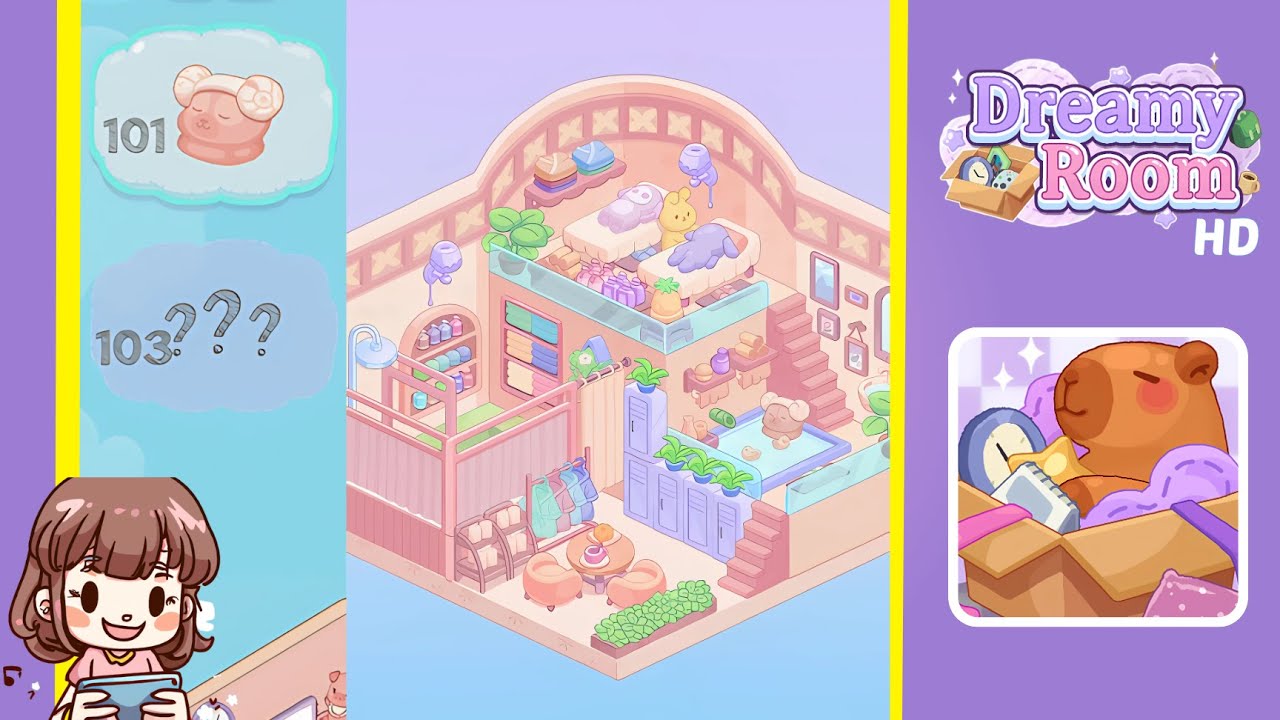
Dreamy Room Level 102 Walkthrough & Guide
In Dreamy Room Level 102, your objective is to create a beautifully designed space by precisely placing items according to the game's requirements. Follow this step-by-step guide to complete the level with accuracy and finesse.
Step-by-Step Guide
- Begin by placing the glass railing panels along the front edge of the room. Select each panel from your inventory and align them flush with the floor’s edge from left to right. Ensure each panel snaps into place for a strong visual boundary.
- Lay down the dark grey floor mat to cover the room's base. Drag the mat from the bottom menu to perfectly fit within the glass railing boundary, aligning the mat’s edges flush against the railing panels.
- Install the hanging greenery vine on the left wall's top. Stretch it from the corner to just past the first wall sconce, ensuring it snaps into the designated groove.
- Mount three cylindrical wall sconces evenly along the left wall, beneath the vine. Use grid guides to space them correctly, creating a softened glow.
- Position the ornate arch mirror and clothing rack on the left foreground. Align the mirror against the glass railing’s inner side and place the clothing rack to its right.
- Assemble the pink dressing tent and drum stool. Position the tent under the second sconce with the stool centered inside the tent.
- Add the white cushioned lounge chair with a heart pillow in the lower-left corner. Align it against the left wall in front of the mirror, ensuring the pillow sits on top of the cushion.
- Place the central daybed bench with accessories. Align the bench parallel to the glass railing and position the blue shirt and brown leather handbag correctly on the bench.
- Arrange the coffee table with a strawberry tart and a green suitcase in front of the daybed. Center the table two grid squares from the railing, positioning the tart and suitcase accurately.
- Set up the photography backdrop and lighting. Hang the green backdrop against the back wall and place the two softbox lights and camera correctly around the bench.
- Attach the ring light and small reflector stand as part of the photography setup. Position the ring light around the camera and angle the reflector stand appropriately.
- Mount the photo pinboard, star garland, and potted plant on the right wall. Ensure these items are centered above where the desk will go.
- Position the desk, dual monitors, and red gaming chair in the right corner to form a tech enclave, ensuring precise placement and alignment with the wall and glass railing.
- Install the shelf with books, lenses, flower vase, and add the railing planter. Ensure each item sits flush on its surface, completing the room decoration.
Notes & Precautions
- Check Snaps Carefully: Ensure every object snaps precisely to the hidden grid guides. If an item vibrates, adjust it by a single grid increment until confirmation is received.
- Layer Order Matters: Always place the base object first, then layer secondary items on top to avoid placement errors.
- Use the Undo Button: If an item is misplaced, use the undo button to avoid cumulative misalignments.
- Rotate with Precision: Use the rotate handle for items needing exact rotation angles, ensuring proper orientation.
- No Timer Pressure: Enjoy the relaxation of this puzzle; there's no time limit, so verify your placements carefully.
Tips & Tricks
- Grid Overlay Hack: Turn on the grid overlay to preview hidden snap points, then switch it off for a cleaner view.
- Item Sequence Strategy: Follow the exact step order to avoid obstacles while placing smaller items.
- Double-Tap Precision: For small items, use double-tap to auto-center them in their intended positions.
- Zoom and Pan: Zoom in on complex corners to ensure precise alignment without overlap.
- Save Before Moving On: Capture screenshots after major steps for comparison and validation.