Level walkthrough
Brain Test Level 212 Walkthrough: Create 0
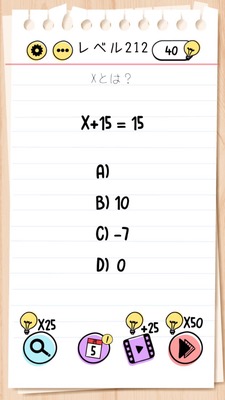
Brain Test Level 212 Walkthrough: Create 0
Complete guide, step-by-step instructions, common mistakes
🧩 Level Info
- Level Number:212
- Question:A) 5 B) 10 C) 15 D) -5 How to create 0?
- Difficulty:normal
🎯 Objective
Use the displayed options to create "0" and tap it to clear the stage.
📝 Steps to Solve
- First, check the options A)5, B)10, C)15, D)-5 lined up at the bottom (or center) of the screen.
- Identify the positions of "5" written in A) and "-5" written in D).
- Press and hold "5" in A), then swipe (drag) your finger over to D) "-5" and overlap them.
- When 5 and -5 overlap, "0" is displayed (or it becomes a single option of 0).
- Tap the newly created "0".
- If you tap correctly, you will clear Level 212.
💡 Hints
- Hint 1: Instead of choosing the numbers as they are, try moving the numbers on the screen.
- Hint 2: Think about what happens when you calculate 5 and -5.
- Hint 3: Drag 5 in A) over to -5 in D) and overlap them. This should create 0.
🧠 Analysis & Points
This stage appears to be a simple arithmetic problem, but in reality, it is a puzzle to 'combine the numbers on the UI to create a new number (0)'. Many players initially try to directly tap the option closest to 0 or struggle as none of the options seem correct. In brain-training puzzles, it is important to shift from 'operations as per the question' to 'moving and combining objects on the screen', and this level exemplifies that shift. Overlapping 5 and -5 to create 0, and then tapping the 0, requires a two-step thought process.
🔍 Common Mistakes
- Tapping the given numeric options like B)10 and C)15 directly.
- Simply calculating 5 and -5 in your head and missing the possibility of dragging numbers on the screen.
- Mistakenly thinking that tapping 5 and -5 separately will count as 0 after two taps.
- Overlooking the instruction 'Create 0' and searching for an initially hidden 0.
🎉 Advice After Clearing
Getting used to tricks like combining 5 and -5 to create 0 by 'moving and combining numbers' will be helpful in future levels. Always test whether you can move choices, numbers, and symbols with drag or swipe, rather than assuming they are 'fixed'.