Level walkthrough
Brain Test Level 20 Walkthrough: Tap the Mouse on the Left
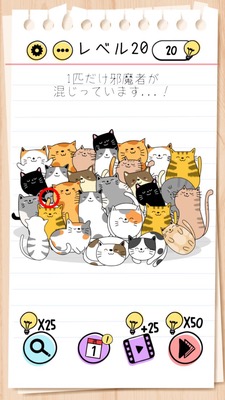
Brain Test Level 20 Walkthrough: Tap the Mouse on the Left
Complete Guide, Step-by-Step Explanation, Common Mistakes
🧩 Level Info
- Level Number: 20
- Problem: Tap the mouse on the left
- Difficulty: Easy
🎯 Objective
Tap only the mouse on the left side of the screen to clear the stage.
📝 Steps
- Look carefully at the screen and check if there are multiple mouse characters.
- Find the mouse that is on the left among the mice aligned side by side.
- Tap the mouse on the left only once.
- If you tap correctly, you'll clear the stage.
💡 Hints
- Focus only on the condition of "the mouse on the left" in the problem statement.
- If there are two or more mice, always choose the mouse on the left.
- Tapping the mouse on the right will not result in a clear.
🧠 Analysis & Points
This stage is a type of problem that follows very simple instructions. It can be solved just by tapping the mouse that's on the left side of the screen as per the instruction "tap the mouse on the left." There aren't any tricks, and it's a tutorial-level challenge that reaffirms the basic stance of Brain Test to "read the conditions properly" and "not do anything unnecessary." This is a kind of problem where players might get confused if they overthink and believe "there might be something more to it." The point is to simply choose the mouse on the left.
🔍 Common Mistakes
- Tapping the mouse on the right.
- Tapping objects other than the mouse (such as the background or other animals).
- Thinking that special actions like long presses or repeated tapping are necessary.
- Trying to swipe the screen to move something.
🎉 After Clear Advice
If you tap the mouse on the left, you clear it. In Brain Test, it's important to act according to the instructions without overthinking.