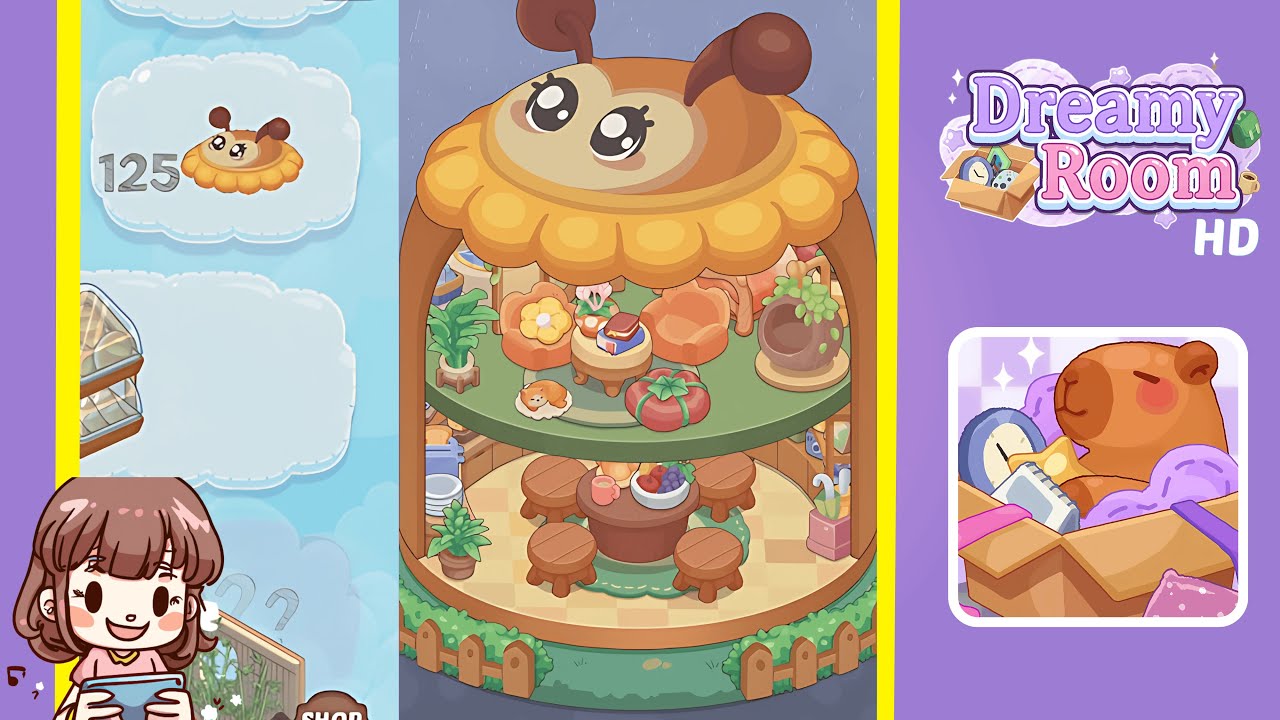
Dreamy Room Level 126 Walkthrough
Welcome to the complete walkthrough for Dreamy Room Level 126. This guide will break down every placement into clear steps, helping you master all object positions. Let's transform the empty space into a charming café scene.
Step-by-Step Guide
- Place the wooden floor in the center of the room, ensuring its wood grain pattern runs parallel to the room’s longer dimension for visual balance. Use nudge controls or drag-and-snap features to secure it centrally.
- Position the left curved mint-green back wall against the left rear edge of the floor. Ensure it snaps flush without any gaps and aligns with the white top trim.
- Position the right mint-green side wall on the right side of the room, ensuring it aligns with the left panel’s trim line and locks into the floor grid.
- Add the cat-shaped toast roof sign on the top edge of the back wall, centering it horizontally between the two side panels.
- Install the mint-green front base panel along the front edge of the wooden floor, aligning contours with the floor's front corners.
- Attach the green and white striped awning under the cat-toast sign, aligning its front lip a grid square above the floor, and ensuring side supports align with the front base panel edges.
- Set up the service counter ledge directly beneath the striped awning, aligning the counter's length with the awning's width.
- Arrange the bread crates to the right of the counter, aligning the crate’s base with the floor grid.
- Place the green stools along the counter, evenly spacing three stools: one near the left edge, one centered, and one near the bread rack on the right.
- Add tables and pastries in front of the stools, placing small rectangular tables and evenly spaced pastries on each.
- Position the characters by placing the green-and-white cat behind the service counter and the cream-colored and white-and-blue cats at designated seating areas.
- Install exterior accents like the fence, lamp post, hydrant, and walkway to embellish the outside area.
Notes & Precautions
- Verify grid alignment before locking any object to prevent misplacement and perspective issues.
- Beware of overlapping models to avoid clipping with furniture assets.
- Use the undo feature for misplaced objects rather than forcing placements.
- Save progress periodically as there is no autosave feature for major edits.
Tips & Tricks
- Disable grid snapping for fine adjustments on curved panels and decorative signs, and re-enable it for floor or seating placements.
- Use the camera orbit feature to inspect alignments from every angle.
- Rotate pastries and small trinkets slightly off-axis for a natural feel.
- Utilize group unlock and repositioning shortcuts to save time.
- If an asset refuses to snap, delete and re-add it instead of forcing it in place.