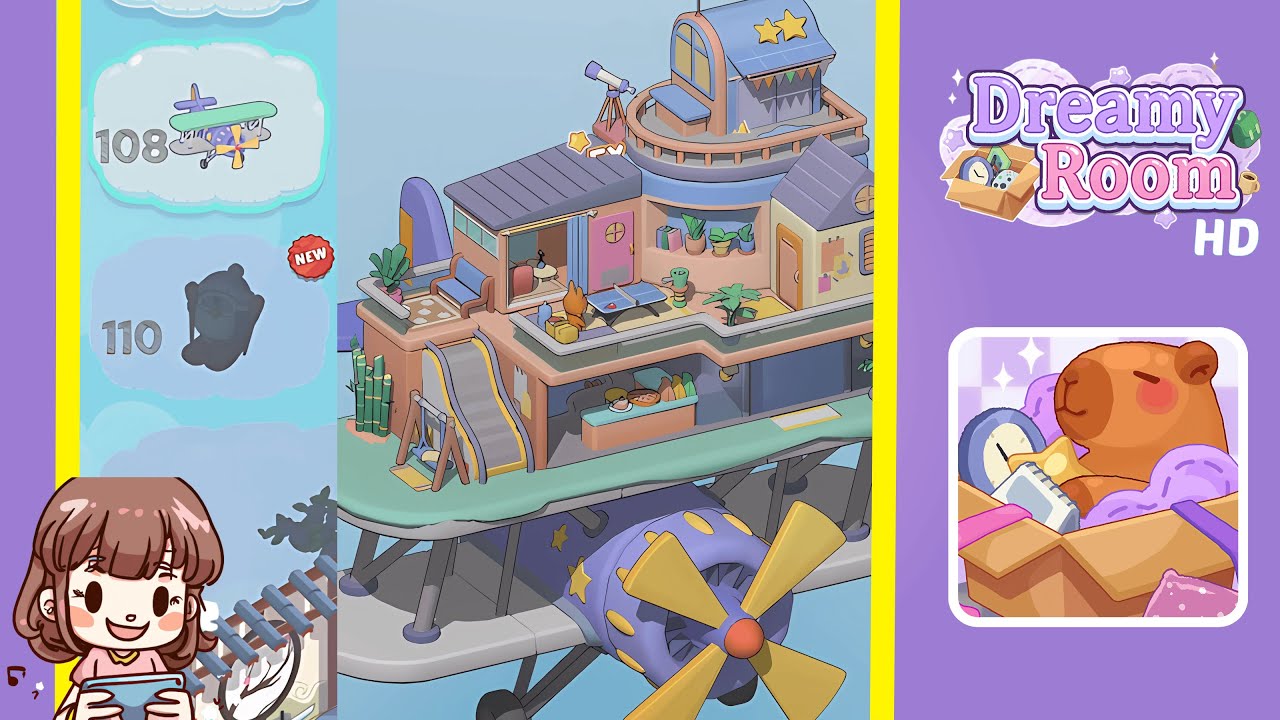
Dreamy Room Level 112 Walkthrough & Guide
Navigate your way through Dreamy Room Level 112 by placing various objects to create an intriguing mechanical scene.
Step-by-Step Guide
- Begin by installing the vault door, gear panel, and lever on the left wall. Place the vault door centered horizontally above the floor, the small gear control panel to its right, and the red-handled lever beside the panel. Ensure a slight gap between the lever and panel.
- Under the upper walkway railing, set the purple weapon stand. Position the double-headed axe in the stand's left notch and the musket in the right notch, ensuring both weapons fit snugly beneath the railing.
- Adorn the upper and right walls with the deer head trophy and floating wooden shelf. Hang the mirror beside the shelf, place the lantern next to the mirror, and fit the arched wooden door over the curved right wall opening with three pegs underneath.
- Position the draped statue with a purple orb and the purple cushioned chest under the staircase. Adjust the statue and chest for visibility and to maintain a clear path.
- In the center of the room, set the wooden display table with a red runner, placing the jewelry bust, sapphire gem, scrolls, and barrel around it. Ensure harmonious arrangement for visual appeal.
- Arrange treasures and workspace on the lower level. Start with the treasure chests, coin piles, sword by the weapon stand, barrel stacks, side table, and rocking chair to create a lived-in ambiance.
Notes & Precautions
- Avoid overlapping objects with fixed elements like stairs, railings, or curved walls.
- Verify that items snap into place properly to avoid any misalignment.
- Be mindful of collision zones, especially around the alcove statue.
- Ensure the vault lever and gear panel do not obstruct other placements.
- Object rotation is preset; nudge items for correct orientation instead of spinning them.
Tips & Tricks
- Enable the grid overlay for accurate alignment.
- Group similar items before placing them for efficiency.
- Position larger pieces first, leaving smaller items for last.
- Use the magnify feature to place small elements precisely.
- Limit the use of the undo button to avoid resetting the camera angle.