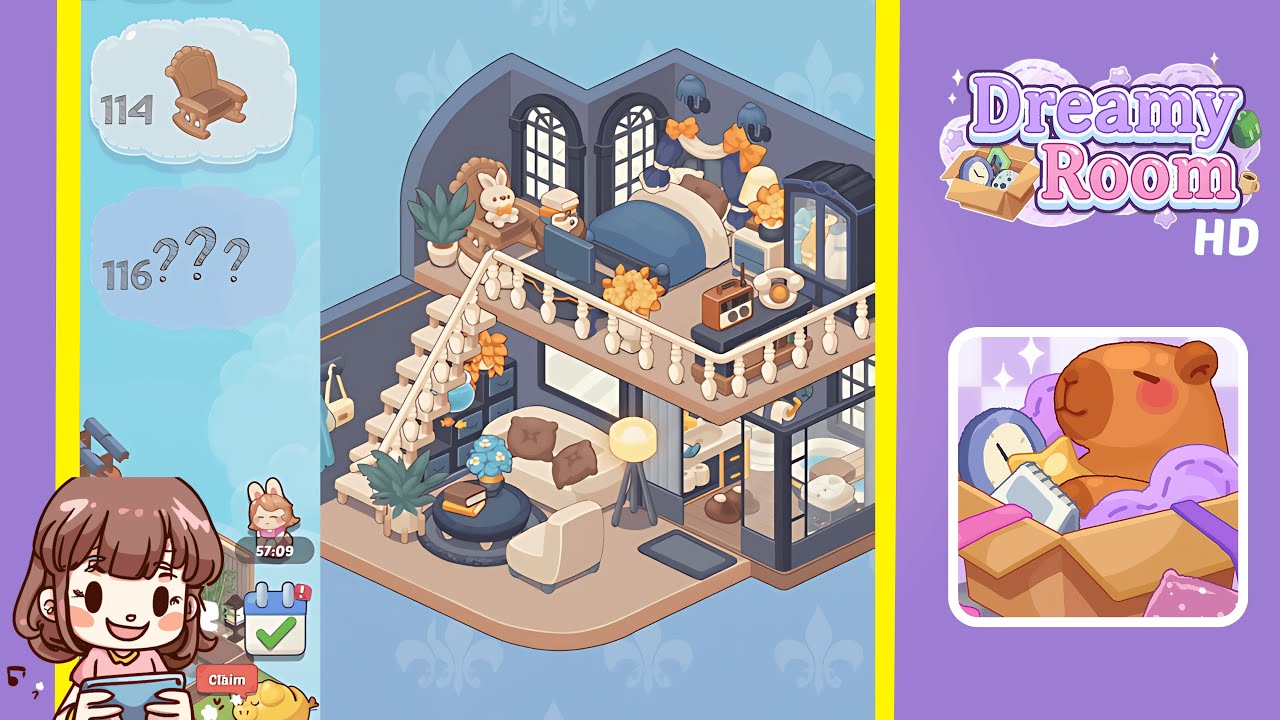
Dreamy Room Level 113 Walkthrough & Guide
Embark on the charming journey of Dreamy Room Level 113, where the empty shell of a room transforms into a cozy police headquarters. Every piece of décor tells a story, and the main challenge lies in determining the correct placement for each object. This walkthrough will guide you through ten detailed steps, ensuring that you know exactly where to place the prison cell, furniture, décor, and finishing touches. As you progress, you’ll discover why patience and precision are key. Follow this guide to bring the soothing visuals and heartfelt narrative to life, and immerse yourself in the mindful gameplay that makes organizing such a delight.
Step-by-Step Guide
- Place the cell framework in the bottom-left corner. Position the prison cell framework by aligning the cell’s left and back walls flush with the gray platform. Attach the barred cell door, ensuring it opens into the hallway. Use grid snapping and verify wall alignment for a perfect fit.
- Add the bench, prisoner bear, sink, and calendar inside the cell. Place the wooden bench against the back wall at a comfortable height for the bear prisoner. Position the striped bear on the bench, the blue sink on the left wall below knee height, and the calendar above the bench.
- Place the main hallway door adjacent to the cell. Install the solid blue door to the right of the cell unit, flush with the corridor platform, with the handle facing inward.
- Add the “Headquarters” sign, shelf, radio, books, and monitor. Begin with the "Headquarters" sign centered on the back wall, the circuit panel slightly left below it, the shelf under the sign, and the police radio and colorful books on the shelf. Place the widescreen monitor below the shelf.
- Install the portraits, plaques, and bulletin board. Hang the framed portraits in a horizontal row on the right back wall and align plaques to their right. Mount the bulletin board to the far right.
- Position the American-style flag. Plant the flag just left of the storage cabinet area, with stars facing forward and the base on a tile joint.
- Add the wooden cabinet and stacked storage boxes. Place the wooden cabinet against the back right wall and stack brown, green, and pink boxes on top.
- Place the blue locker, credenza, binders, and typewriter. Position the locker next to the cabinet, the credenza beneath the bulletin board, binders on the credenza, and typewriter on the far right.
- Arrange the potted flower, satchel, waiting seats, and welcome mat. Put the side table with a potted flower two bricks from the center wall, situate the orange satchel on the adjacent table, surround with waiting chairs, and lay the welcome mat in front.
- Set up the reception desk, monitors, coffee mugs, and officers. Align the reception desk three bricks from the lower wall, place monitors, files, and mugs on it, and position the bear and fox officers in their respective places.
Notes & Precautions
- Alignment is Everything: Slight misplacements can lead to clipping and blocked interactions. Use the snap-to-grid feature when available for precise positions.
- Layering Order Matters: Place background objects like cabinets and lockers before surface items like binders and mugs to avoid accidental hiding.
- Rotation Restrictions: Some objects only rotate in 90° increments. Plan placements to ensure correct orientation.
- Visual Checks: Rotate the camera angle frequently to ensure no object is partially obscured.
- Save Progress: Consider saving after major steps to prevent starting over if misplacing a critical item.
- Object Availability: Not all items unlock instantly. Refer to the game’s progression chart if you can’t find a needed prop.
Tips & Tricks
- Pre-Layout Sketch: Sketch a rough floor plan on paper to speed up object placement and keep spacing uniform.
- Use Empty Slots: Assign related objects to neighboring slots in your inventory for faster access.
- Mirror Placement: Duplicate symmetrical placements by rotating and flipping to maintain balance.
- Color Gradients: Emulate book and binder gradients elsewhere for cohesive décor.
- Nudge Tool Mastery: Use the nudge tool to adjust chairs and small props by a single pixel for perfect alignment.
- Layer Visibility: Temporarily hide large objects to access and place smaller items, then unhide to complete the scene.