Level walkthrough
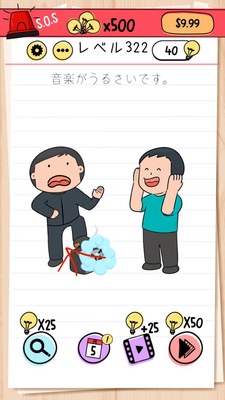
Brain Test Level 322 Walkthrough: Turn the Stereo Volume to Max
Brain Test Level 322 Walkthrough: Turn the Stereo Volume to Max
Complete Strategy, Step-by-Step Guide, Common Mistakes
🧩 Level Info
- Level Number: 322
- Description: Swipe up the stereo volume
- Difficulty: Easy
🎯 Objective
Increase the volume of the stereo on the screen by swiping up with your finger.
📝 Steps to Solve
- Locate the stereo unit near the center of the screen.
- Place your finger on the 'volume' part (which looks like a knob or slider) on the front of the stereo.
- Without lifting your finger, swipe (drag) it upwards.
- The volume level will increase, and once it exceeds a certain point, the stage will be cleared.
💡 Hints
- You need to perform a 'swipe' action, not just press a button.
- Try moving what looks like the volume in a vertical direction.
- If there is no response, try dragging the entire stereo or from the edge of the knob upwards slowly.
🧠 Explanation & Key Points
The solution is as simple as following the instructions in the description. In many Brain Test levels, 'tapping' or 'dragging' actions are common, so players may initially try to press buttons or fiddle with various parts of the stereo. However, this level requires you to straightforwardly 'swipe up' as described. It can sometimes be unclear where to touch on the screen, but dragging upwards on the part that looks like a volume knob or slider will elicit a response. If the knob itself is small, swiping the entire stereo upwards may also work. This is a level designed to teach players to follow instructions as stated rather than overthink the problem.
🔍 Common Mistakes
- Only 'tapping' the volume part and mistaking the lack of change as unresponsiveness.
- Pressing the stereo buttons (play, stop, etc.) and not realizing the correct action.
- Dragging the volume left or right, not realizing it needs to be moved upwards.
- Pressing another UI element at the top of the screen (like a back button).
🎉 Advice After Clearing
The stereo volume increases, a sound effect or animation appears, and the level is cleared. This reinforces the importance of following instructions as they are written. Once ready, proceed to the next level.