Level walkthrough
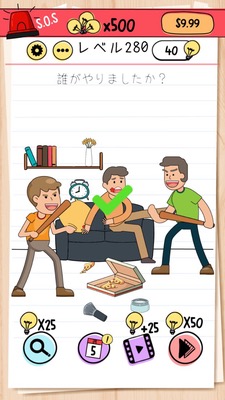
Brain Test Level 280 Walkthrough: Swipe the Clock Down
Brain Test Level 280 Walkthrough: Swipe the Clock Down
Complete Solution, Step-by-Step Guide, Common Mistakes
🧩 Level Information
- Level Number:280
- Task:Swipe the clock down
- Difficulty:Easy
🎯 Objective
Swipe the clock at the top of the screen downwards as if operating a real smartphone to clear the level.
📝 Solution Steps
- Find the 'clock (time display)' shown at the top center of the screen.
- Place your finger on the clock and drag (swipe) downwards without lifting it.
- Swipe down sufficiently, and the puzzle will respond, clearing the stage.
💡 Hints
- The stage requires a 'swipe' action, not just a tap.
- Try sliding your finger downwards from the top of the screen, like pulling down the notification bar on a smartphone.
- Try to grasp the clock display itself and drag it slowly downwards.
🧠 Explanation and Tips
This stage involves a direct puzzle where the instruction 'swipe the clock down' is the exact answer. Many players are used to moving objects by tapping or dragging in Brain Test, but since the 'time display at the top of the screen' appears similar to the smartphone's UI, it is often mistaken for a non-interactive decoration. The essence is a typical trick of "what seems like a part of the game screen might be movable." Additionally, it mimics a real smartphone operation (pulling down the notification bar), making it a "meta" gimmick that integrates real-world actions into the game.
🔍 Common Mistakes
- Just tapping the clock and waiting for a response.
- Swiping other objects on the screen (such as buttons or characters).
- Swiping slightly below the clock, resulting in no proper response.
- Trying actions other than swipe, such as long press or double tap.
🎉 Advice After Clearing
If you can swipe the clock down, you will clear immediately. Understanding the trick that makes it feel as if you are interacting with a real smartphone will help you handle future meta puzzles. Always try to move decorations and UI-like parts at the top of the screen to see if they can be manipulated.